
How to Search Gogebic County Traffic Court Records
Gogebic County has no standalone traffic docket with its own search fields. Traffic cases sit inside the wider court system, so a lookup runs through statewide and district-court tools rather than a single ticket screen. The starting point for most drivers is the Michigan case-search index, which lists district court files, paired with the county's own payment path for open tickets.
Have the basics ready before you begin. A citation number, the driver's full name, and a date of birth cover almost every path. The statewide MiCOURT case search covers the 98th District Court, and the county's district court page carries its own case-search link. Because there is no county field portal built for traffic alone, the citation lookup runs through the paths below.
| Lookup Path | What It Covers | What You Need |
|---|---|---|
| MiCOURT case search | Statewide court index, including 98th District Court traffic files | Name or case number |
| 98th District Court case search | The district court's own case lookup link on the county courts page | Name or citation number |
| eTix online payment | Open civil-infraction tickets ready to pay | Citation number and license details |
| District court office | Any file, including closed or older cases | Call or visit with case details |
Note: A "REVIEW" label in the next-hearing field on a district court display does not mean a live hearing is set.
Which Court Handles Gogebic County Traffic Cases
All routine traffic matters in the county run through the 98th District Court Traffic Division. The district court hears civil infractions and misdemeanor traffic charges, takes payments, and schedules hearings. More serious matters, such as an alcohol-related driving charge, move to the criminal side and can reach the circuit court. The Traffic Division keeps its own phone line separate from the main court number.
98th District Court Traffic Division
200 N. Moore St.
Bessemer, MI 49911
Traffic Division: (906) 667-1138
Main court: (906) 663-4611
The county posts court notices, such as jury duty updates, on its official news page, which shows how the same courthouse handles court sessions and public notices side by side.
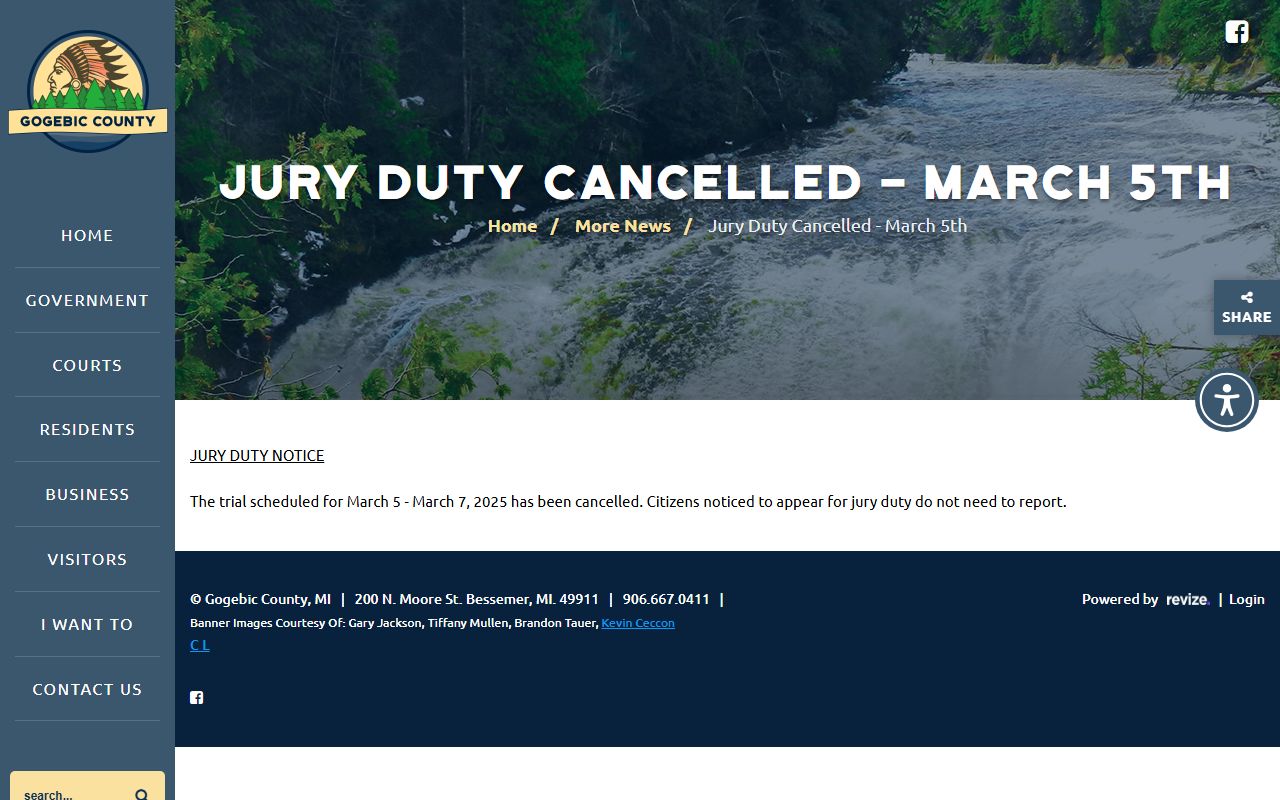
That notice is a reminder that the Bessemer courthouse runs on a shared calendar, so a traffic hearing date can shift when the building schedules other business.
Types of Traffic Cases on Record in Gogebic County
Not every ticket is the same kind of case. The district court files range from simple civil infractions to charges that carry the risk of jail. Knowing the category helps a driver figure out the deadline, the response options, and whether a court date is required. Most drivers deal with a civil infraction, which is a non-criminal ticket resolved by admitting or denying the charge.
- Civil infractions - non-criminal tickets like speeding or a signal violation, resolved by admit or deny.
- Misdemeanor traffic - more serious charges the district court hears and can accept payment on.
- Alcohol-related offenses - flagged for direct court contact and often routed to the criminal side.
- Non-moving and equipment tickets - lesser violations that still open a court file.
What Gogebic County Traffic Court Records Show
A traffic court record is the case file, not the driver's license history. It captures the citation, any hearing, the driver's response, and how the case ended. The fields below appear across county and statewide display pages, and they line up with the way the district court logs a case from ticket to disposition.
| Field | What It Shows |
|---|---|
| Party Name | The driver named on the citation |
| Case Number | The court's file number that identifies the case |
| Citation Number | The ticket number written by the officer |
| CTN | A tracking number shown next to the case number on hearing calendars |
| Hearing Info and Time | The type and time of any scheduled hearing |
| Location | The court location handling the case |
| Response or Plea | Whether the driver admitted or denied the charge |
| Disposition | How the case closed |
A docket entry is not always the same as a filed document. Hearing calendars can list matters that later move, close, or are marked nonpublic, so the disposition field is the one that confirms an outcome.
How to Respond to a Gogebic County Traffic Ticket
A civil-infraction ticket starts a short clock. The driver must admit or deny the charge within 10 calendar days of the offense. Missing that window can add costs and complicate the case, so the response decision comes first. The county gives three ways to answer.
- Admit without explanation - accept responsibility and pay the fine.
- Admit with explanation - accept responsibility but give the court context that may affect the outcome.
- Deny - contest the ticket and ask the court for a hearing.
Note: The county receives charges within 10 days of the offense, and payment must be made within that same 10-day window.
Paying or Contesting a Gogebic County Traffic Ticket
Once the response is chosen, payment or a hearing request follows. The county accepts cash, checks, money orders, and credit cards at the court, and it offers an online payment path for open tickets. Contesting means asking for a hearing instead of paying, and that request goes to the court before any money changes hands.
- Read the citation for the offense and the 10-day deadline.
- Decide whether to admit without explanation, admit with explanation, or deny.
- To pay, use the state eTix online payment system, or bring cash, a check, a money order, or a card to the court.
- To contest, contact the Traffic Division and request a hearing before you pay.
- If alcohol was involved or you have questions about the violation, call the court directly.
Payment Rules and Restrictions
The county's fine-payment path comes with firm rules, and they trip up people who assume any payment works. The biggest one is that paying online is itself a legal decision. When you pay online you admit responsibility and give up the hearing, and if points apply the abstract is sent to the Secretary of State.
Before you pay, know these rules:
- No out-of-town checks are accepted.
- A credit card billing address must match exactly.
- Payments are final and there are no refunds.
- Paying online waives your right to a hearing.
When to Contact the Gogebic County Traffic Court
Some situations should never be handled by a quiet online payment. The county's fine-payment page tells drivers to reach the court directly in a few specific cases, because paying online closes off options that a phone call can keep open. A short call to the Traffic Division sorts most of these out.
- You want a hearing instead of paying the ticket.
- You have questions about the violation or the charge.
- The offense involved alcohol.
Court Traffic Records vs State Driver Records
The court file and the driver record are two different files kept by two different offices. The district court holds the case record, while the Michigan Secretary of State holds the driving record. A conviction in court can flow onto the driver record, but pulling one does not pull the other. For license history, points, or a certified record an employer or court will accept, the state file is the one to request.
The state explains how to check a driving record and the fee involved in its Secretary of State FAQ, which is the right starting point for the license side.
That FAQ underscores the split between the two files, so the comparison below shows what each one holds and how to reach it.
| Comparison Point | Court Traffic Record | State Driver Record |
|---|---|---|
| Record source | Kept by the 98th District Court | Kept by the Michigan Secretary of State |
| What it shows | The case, citation, hearing, plea, and disposition | Licensing history, points, sanctions, and credential status |
| Where to access | District court, MiCOURT, or eTix | The Michigan driving record page |
| How to correct errors | Contact the district court that holds the file | Contact the Secretary of State |
Michigan Driver Records and Points
When a court conviction is reported, the abstract goes to the Secretary of State, and any points attach to the driving record. That state file is the one to use for questions about points, suspensions, and credential status. The county traffic record alone does not answer license-history questions, which is why the state record exists as a separate certified document.
Drivers can order the record through the state's Michigan driving record page, which handles both self-reference copies and certified copies for court or employer use.
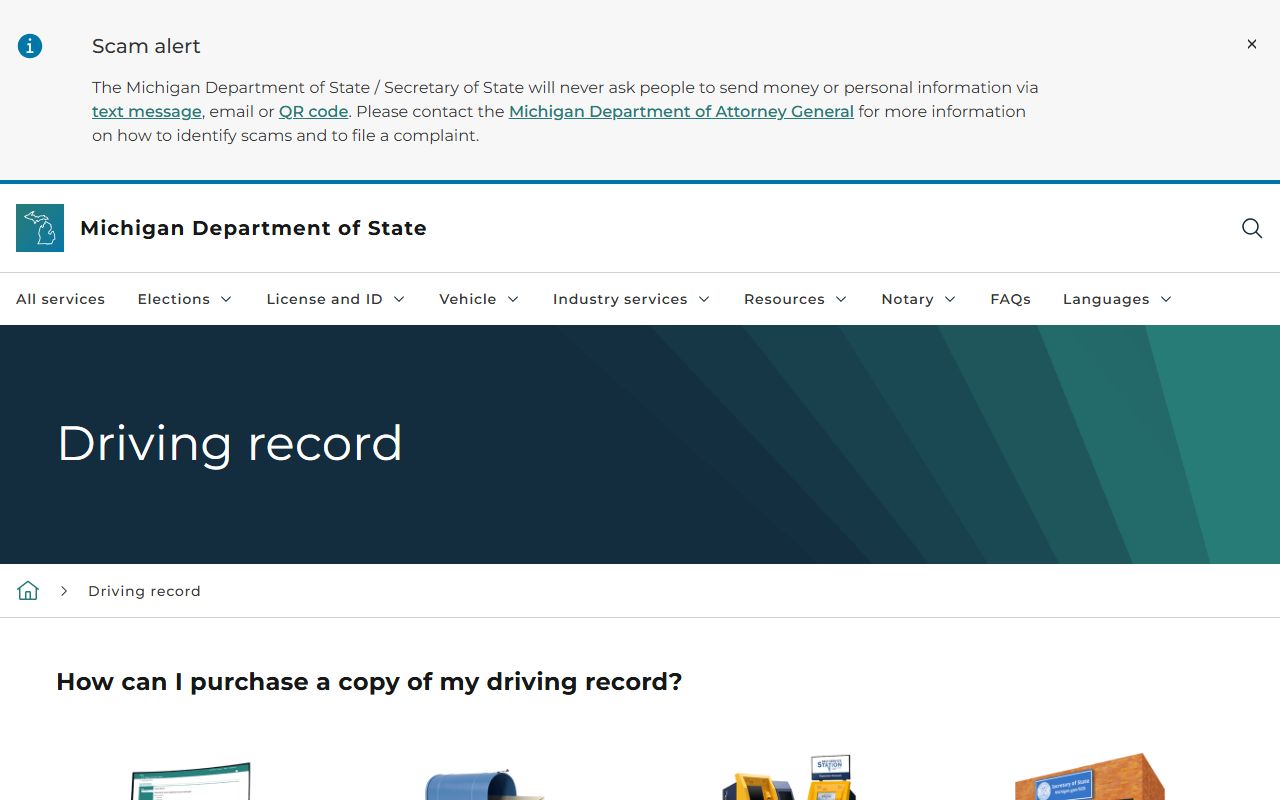
The state record is more than a list of tickets. Its official layout includes the fields below.
- Driver license number and full name
- Date of birth
- Sex, eye color, height, and weight
- Residence and mailing addresses
- Credential type and restrictions
- Previous names and license numbers
- Endorsements and the record-generation date
DUI and Alcohol-Related Traffic Cases
An impaired-driving charge is not handled like an ordinary ticket. Alcohol-related driving offenses are criminal matters, so they move off the civil-infraction path and are prosecuted through the criminal court rather than paid online. The county specifically tells drivers to contact the court directly when a violation involved alcohol.
For the full case file, charges, and sentencing on an impaired-driving matter, see the Gogebic County criminal court records.
Public Access to Gogebic County Traffic Records
Court records in Michigan are presumed open, though court files follow their own set of rules on top of the state's open-records law. The Freedom of Information Act sets the policy that public records are open unless a statute says otherwise, while court records are governed by the Michigan Court Rules, chiefly MCR 8.119. Some categories, such as juvenile matters, sit outside public view.
The state describes how driver and vehicle records are released in its driver and vehicle records FAQ, which is the transparency side of the license file.
Key Statutes:
MCL 15.231 - sets Michigan's FOIA policy that public records are presumed open.
MCL 15.243 - lists the exemptions a public body may withhold.
MCL 780.621 - the process to set aside an eligible conviction.
Fees for Gogebic County Traffic Records
Most fees on the traffic side attach to the state driver record, not the court file. The Secretary of State charges set amounts for a driving record, and a certified copy costs more than a plain one. A certified record ordered online is visible for a limited window before it expires. Fees for plain and certified copies of a court file are set by the district court, and those are not posted online, so a call confirms the current amount.
| Item | Amount |
|---|---|
| Certified driving record online (state) | $16, visible 7 days |
| Driving record by mail (state) | $15 |
| Certified driving record by mail (state) | $16 |
| Online ticket payment (eTix) | Fine amount shown at checkout |
| District court copy fees | Set by the court; call (906) 663-4611 to confirm |
For the broader picture of what the courthouse holds beyond tickets, the county's Gogebic County court records overview points to civil, criminal, and family files kept by the same offices.